

Find an apartment for your vacation

Welcome Travelers!

Repeat clients, their friends & family and our Facebook fans travel discounted on Cities Reference! BOOK NOW

Excellent Customer Service
We assist you until the rental is completed. Join us on Facebook for extra community support!
More About Us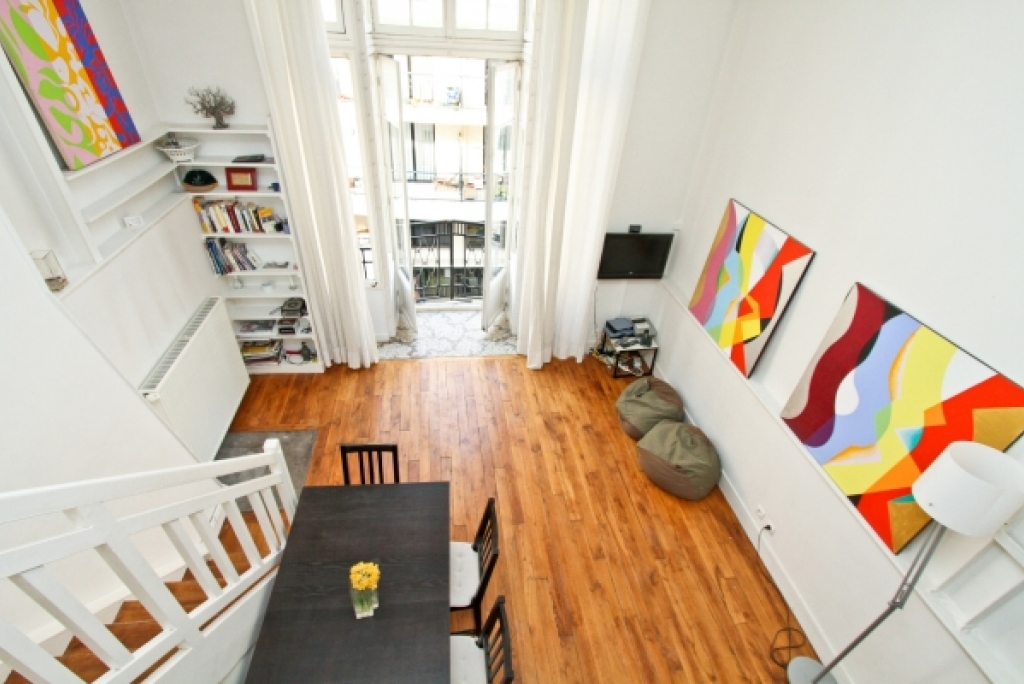
Priority Apartments
Paris Apartment #110PAR
14 ème - Montparnasse, Artist's studio in Paris
Sleeps 4, 1 bed / 1 bath, 45m2/484ft2
€869 - €1.092 per week
Priority Apartments
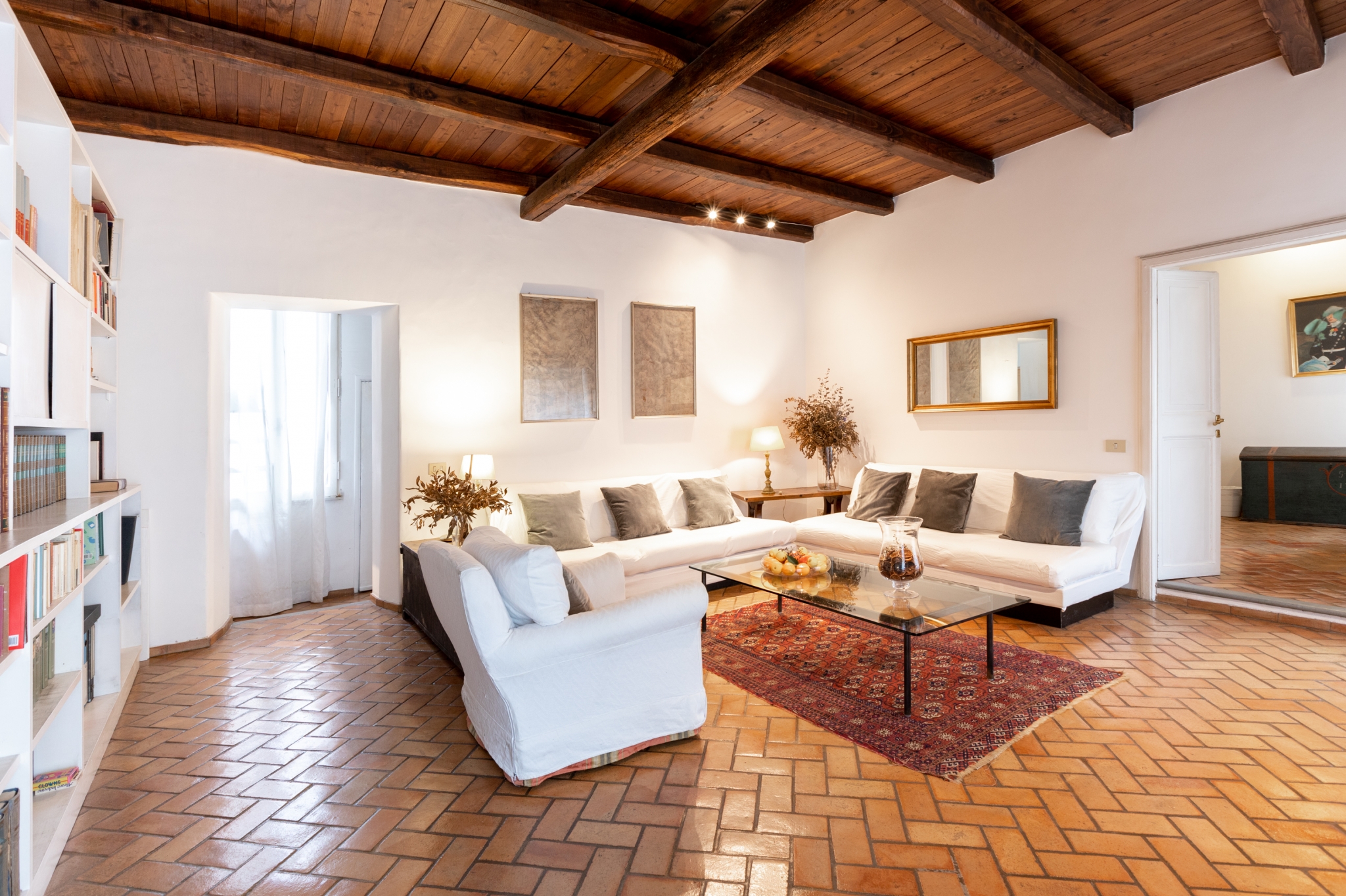
Rome Apartment #346AARome
Navona, Rome Vaccarella Terrace
Sleeps 6, 2 bed / 2 bath, 120m2/1291ft2
€2.057 - €2.630 per week

Priority Apartments
Rome Apartment #7550rome
Trastevere, P&J's cozy Trastevere Apartment
Sleeps 3, 1 bed / 1 bath, 50m2/538ft2
€743 - €950 per week
Priority Apartments
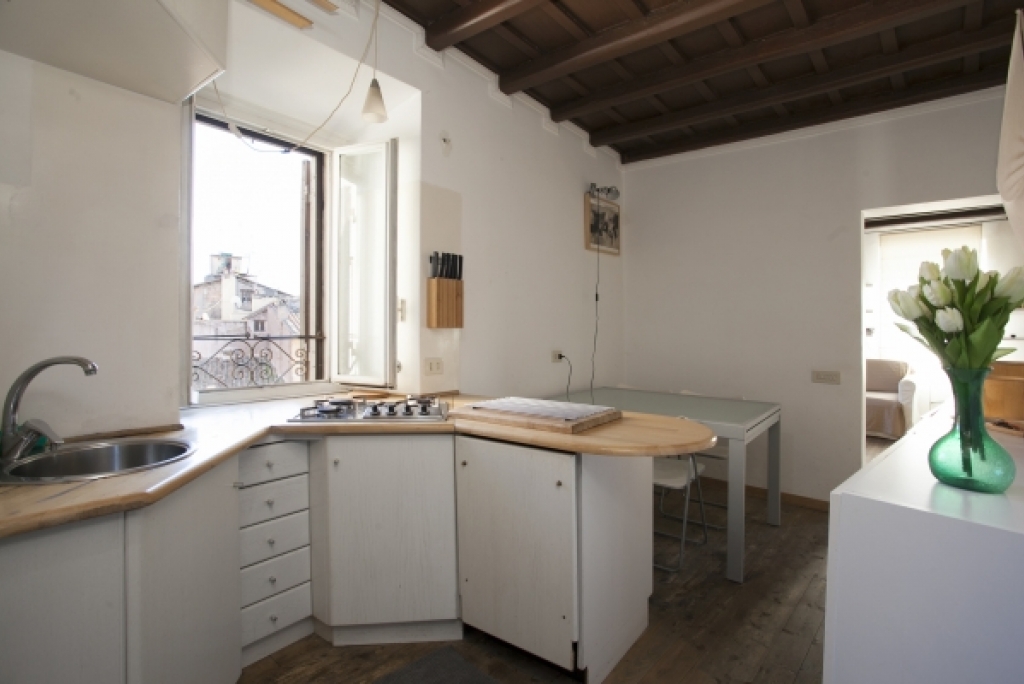
Rome Apartment #346
Campo Dei Fiori, Lovenest in the heart of Campo dei Fiori
Sleeps 4, 1 bed / 1 bath, 30m2/323ft2
€675 - €952 per week

Priority Apartments
Rome Apartment #8500Rome
Navona, Piazza Navona with a Terrace
Sleeps 4, 2 bed / 1 bath, 80m2/861ft2
€1.791 - €2.275 per week

Priority Apartments
Rome Apartment #9100Rome
San Lorenzo/Pigneto, Via dei Corsi
Sleeps 3, 2 bed / 2 bath, 100m2/1076ft2
€688 - €874 per week







How It Works
Why Cities Reference?
FAQ
Step 1
Find Your Vacation Apartment Rental!
- Click here to find your Vacation Rental Apartments
- If you're coming tomorrow or just for 1 or 2 days it may pay off for you to visit Our Affiliate's Hotels
Step 2
Book It
- Did you find an available Instant Booking Apartment that you like? Excellent! Just click on Book and you're done in three easy steps.
- The apartment you like isn't marked as Instant Booker? No problem. You can easily Request Availability. The owner of the apartment will confirm or deny availability within 24hrs guaranteed.
Step 3
Take Your Trip
You'll receive an automated confirmation email with booking, arrival, and apartment information. Still have questions?
- Post on our Facebook wall or Contact us directly.
- Contact the host or apartment management company directly. You'll find their contact information in the confirmation email.